Front end post submission WordPress
Tagged: WP Blogging
- This topic is empty.
-
AuthorPosts
-
Front-end post submission in WordPress refers to the functionality that allows users to create and publish content directly from the website’s front end, rather than having to access the WordPress administration area. This streamlined process enables a more user-friendly experience for contributors, as they can submit posts, pages, or custom post types without navigating the WordPress backend dashboard. This feature is particularly useful for websites that encourage user-generated content, such as community portals, directories, or guest blogging platforms, as it simplifies the content submission workflow for non-technical users.
Front end post submission WordPress
Frontend post submission WordPress plugins let users create and publish posts without backed access, simplifying content collaboration for guests and members. They often include moderation for admin review before publishing. These plugins are ideal for crowd sourcing, testimonials, or contests, offering customizable forms, media uploads, and role-based access to streamline workflows. This post reviews the best available plugins.
These plugins usually come with a built-in moderation feature that enables admins to review and edit the submitted posts before publishing them. So, if you are planning to crowdsource blog posts, collect user testimonials, or run a contest with user-submitted entries, a frontend post submission plugin can make everything easy.
Most of them come with customizable form fields, media upload options, and role-based access to simplify the workflow. In this blog post, we’ll introduce you to the best frontend post submission WordPress plugins currently available in the market. Get started!
WP User Frontend
WP User Frontend is a powerful plugin allowing users to create, edit, and upload posts directly from the frontend, bypassing the backend. Admins can customize submission forms and set content management rules.
Users can write posts directly on the frontend or submit content through a post form, which the website admin can customize later. So, based on the rules and policies you set, users will be able to upload and manage content.
The plugin was first released in 2011 and developed by weDevs, which is behind the development of many popular WordPress plugins. Take a look at the key features of WP User Frontend:
# Drag and Drop Form Builder
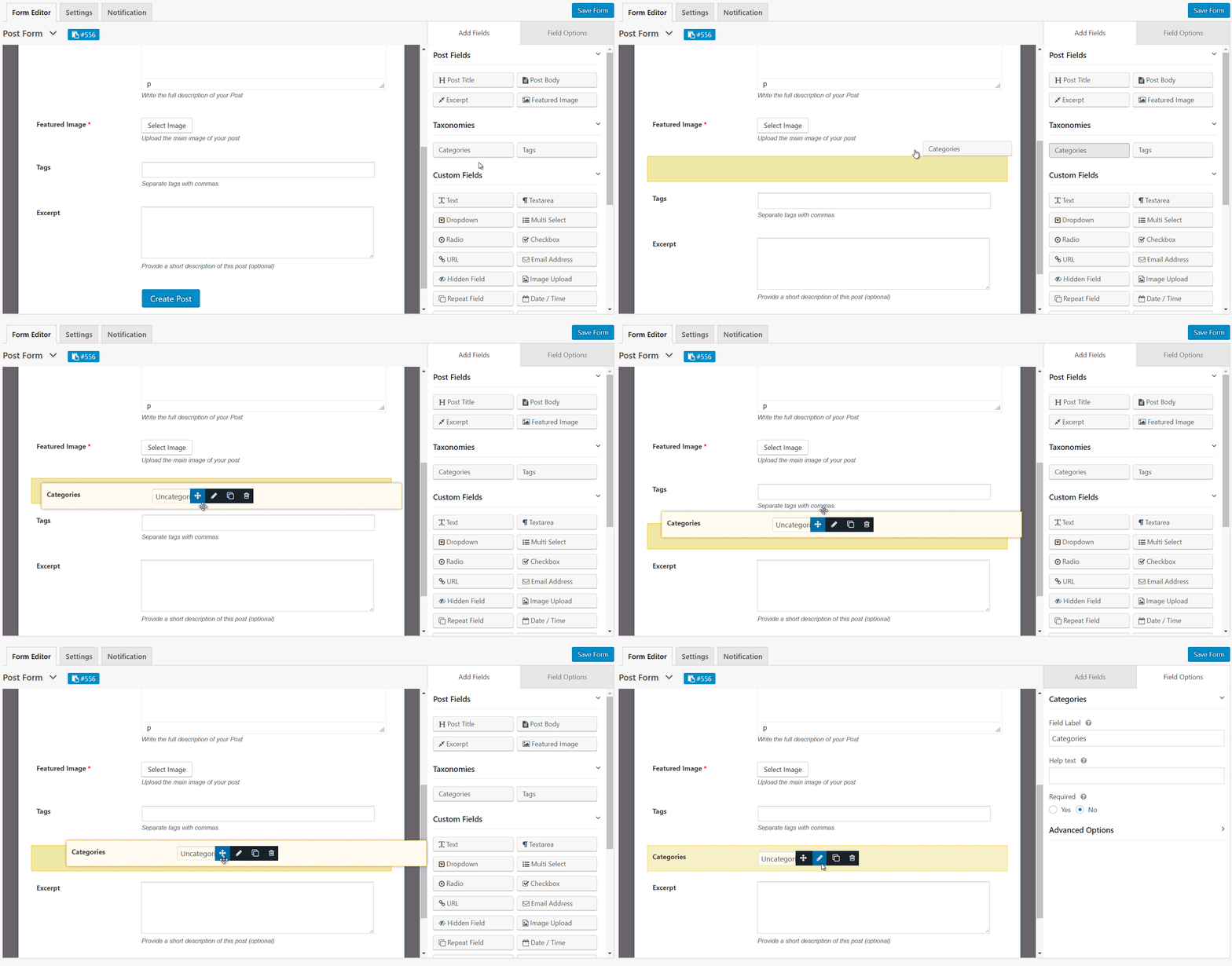
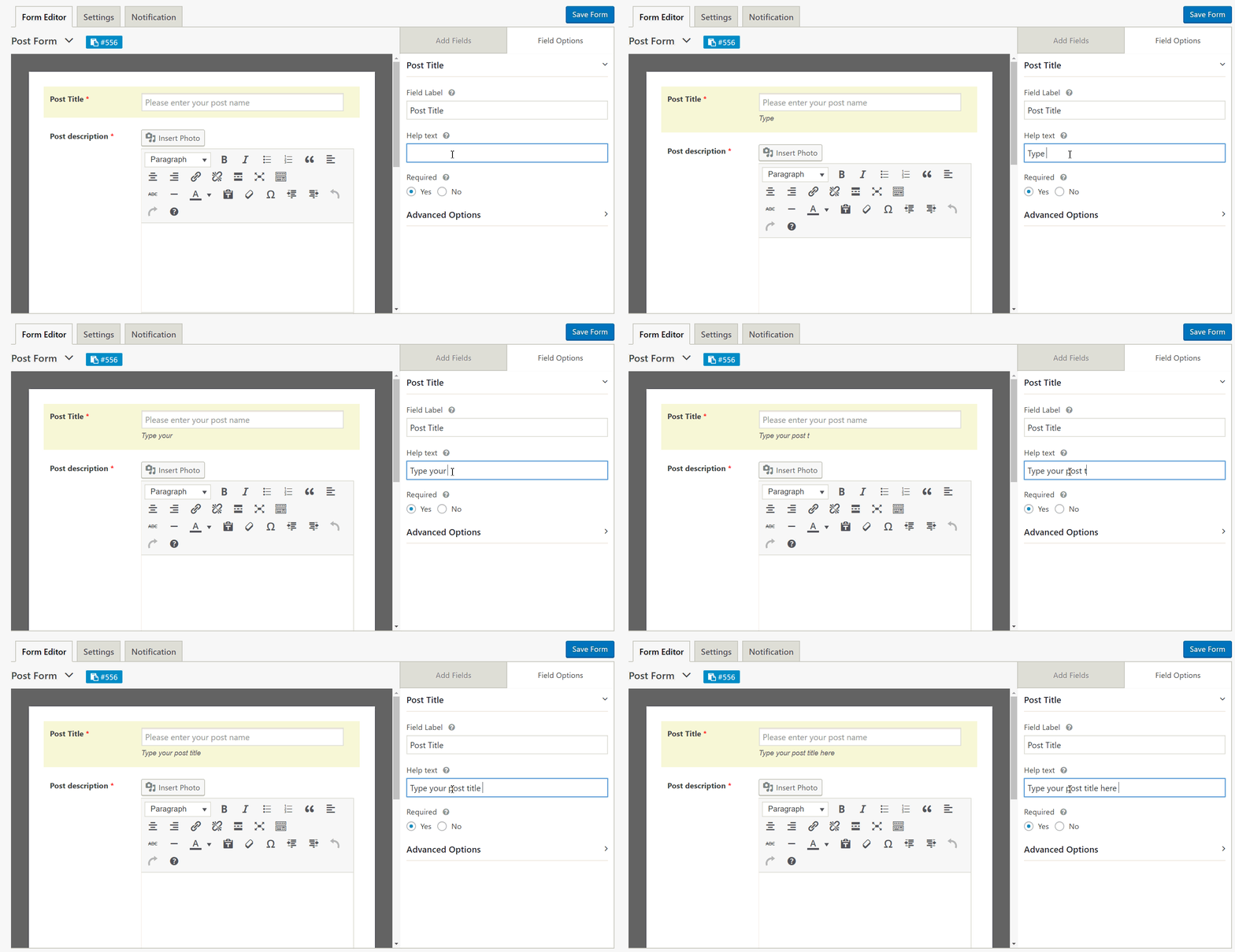
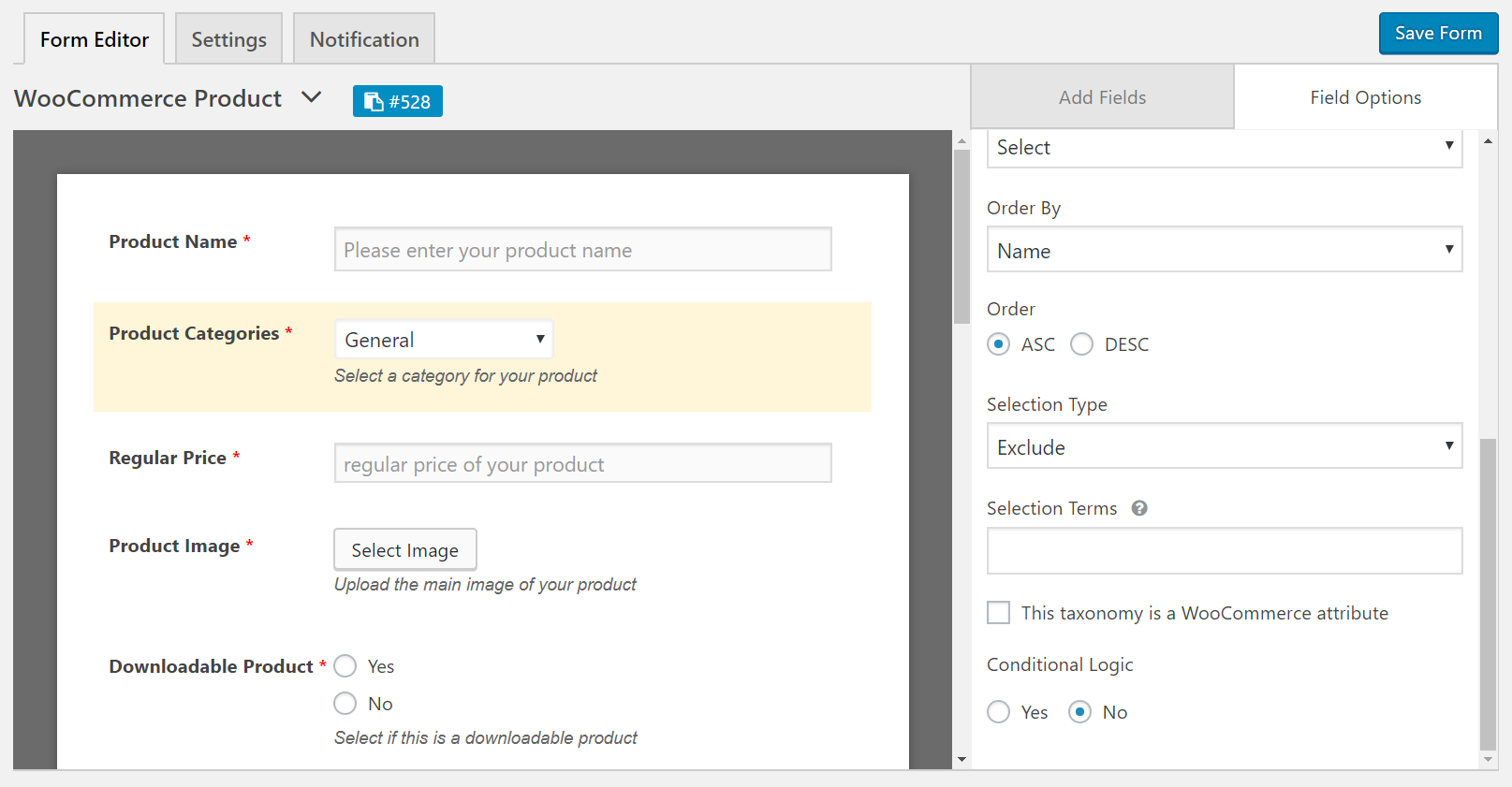
WP User Frontend offers a drag-and-drop form builder. Whether you want to create a post submission, registration form, or WooCommerce product form, just drag and place the field you need for the form. Then, customize it.
# Live Preview
You can instantly check how the form looks before you finally publish it. As a result, you can make quick adjustments, ensuring the layout and structure perfectly align with your site’s design.
# Custom Fields
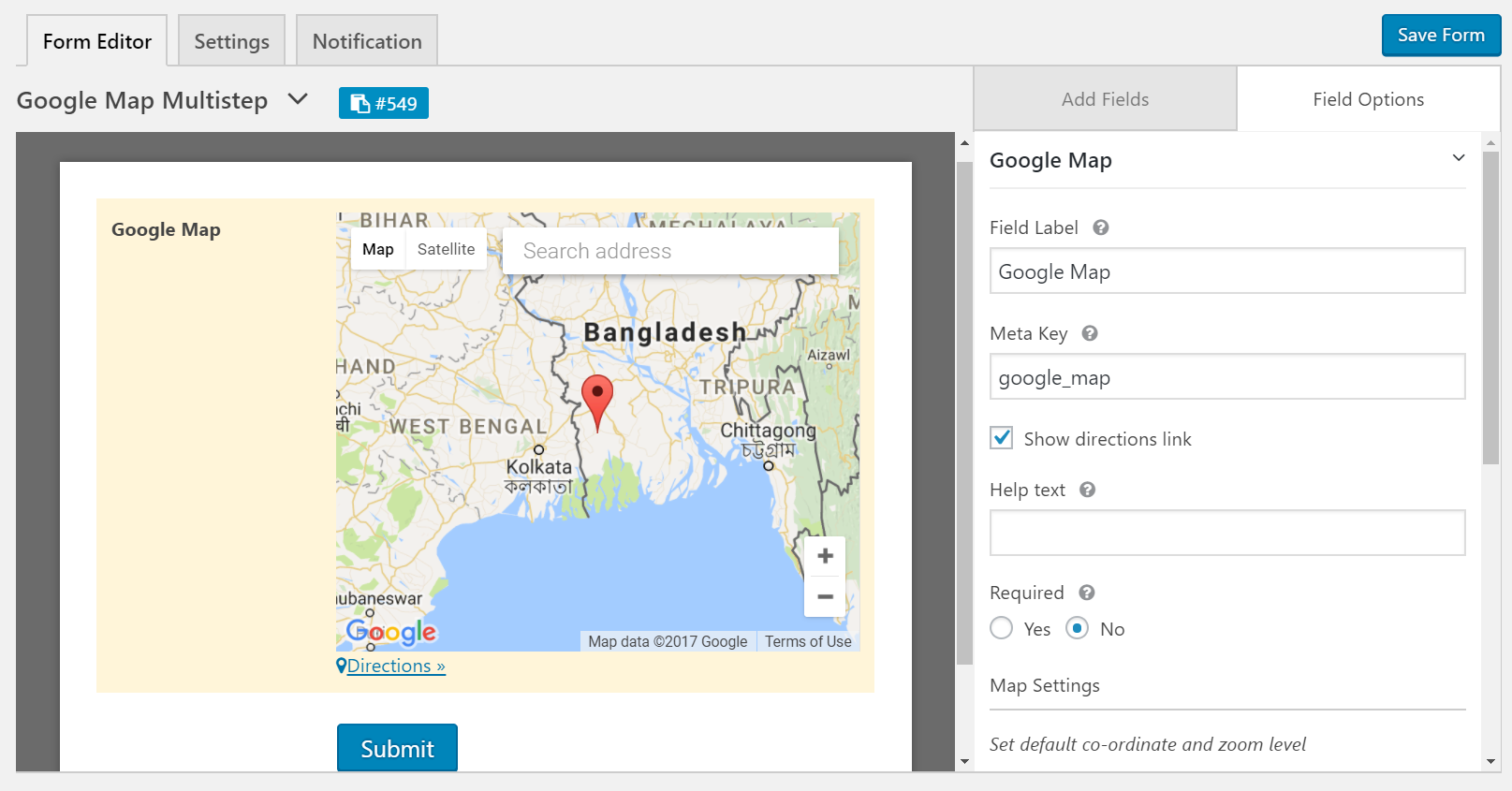
WP User Frontend offers 17 predefined field types. Besides, as it has integration with many other plugins, it can capture custom fields from other installed plugins. You just have to select the fields you need for the form.
# Custom Post Type Support
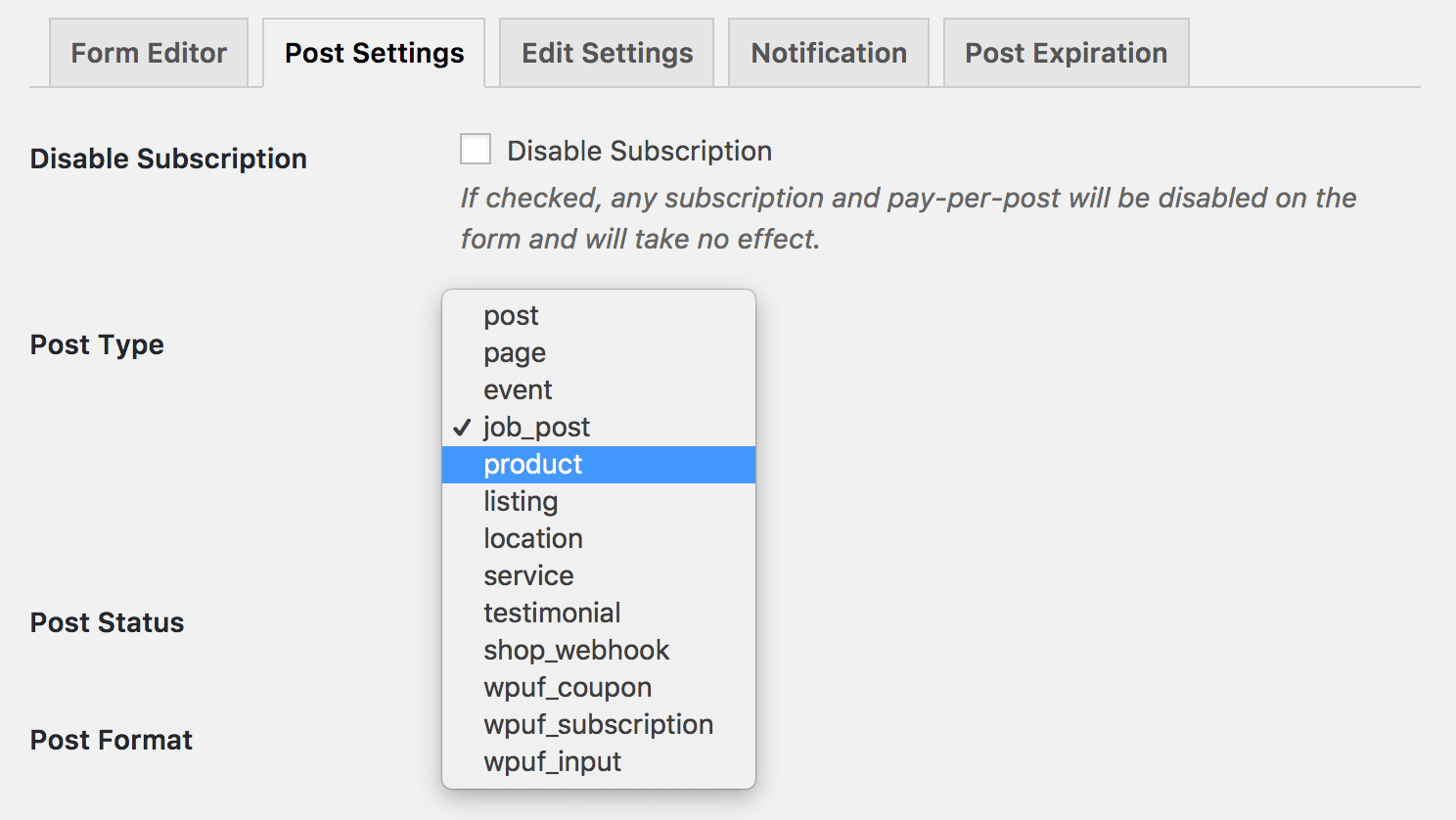
The plugin supports custom post types. So, you can create any type of posts/pages/custom post types on the fly from the frontend.
# WooCommerce Support
Integration with WooCommerce enables users to create products directly from the frontend. So, if you are planning to create a multivendor eCommerce site, this feature could be highly effective.
# Registration Form Builder
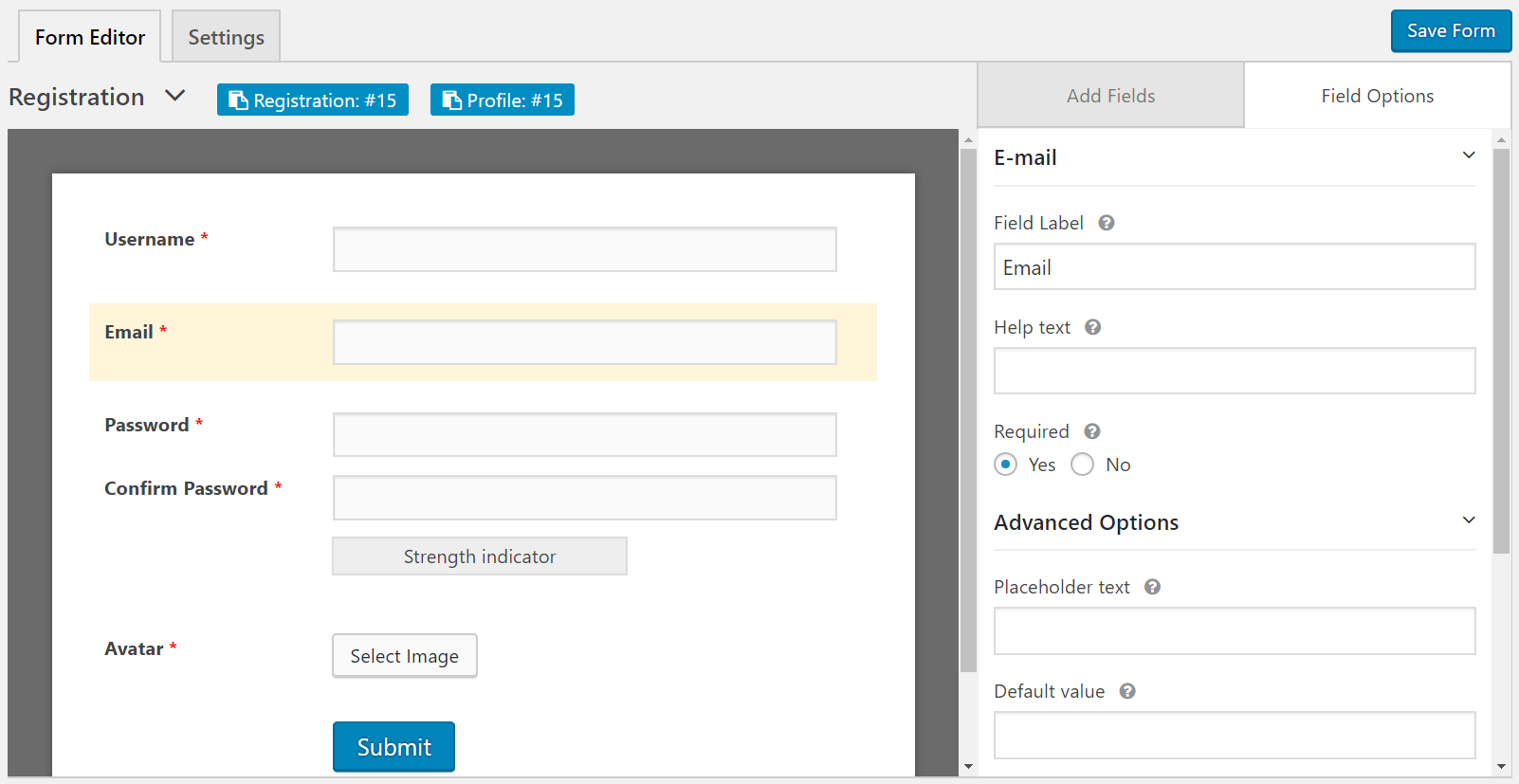
WP User Frontend also functions as a registration form builder so you can collect additional information about users during the sign-up. You can even assign various specific roles to the registered users.
# CAPTCHA Support
To help you get rid of spammers, the plugin allows you to integrate CAPTCHA.
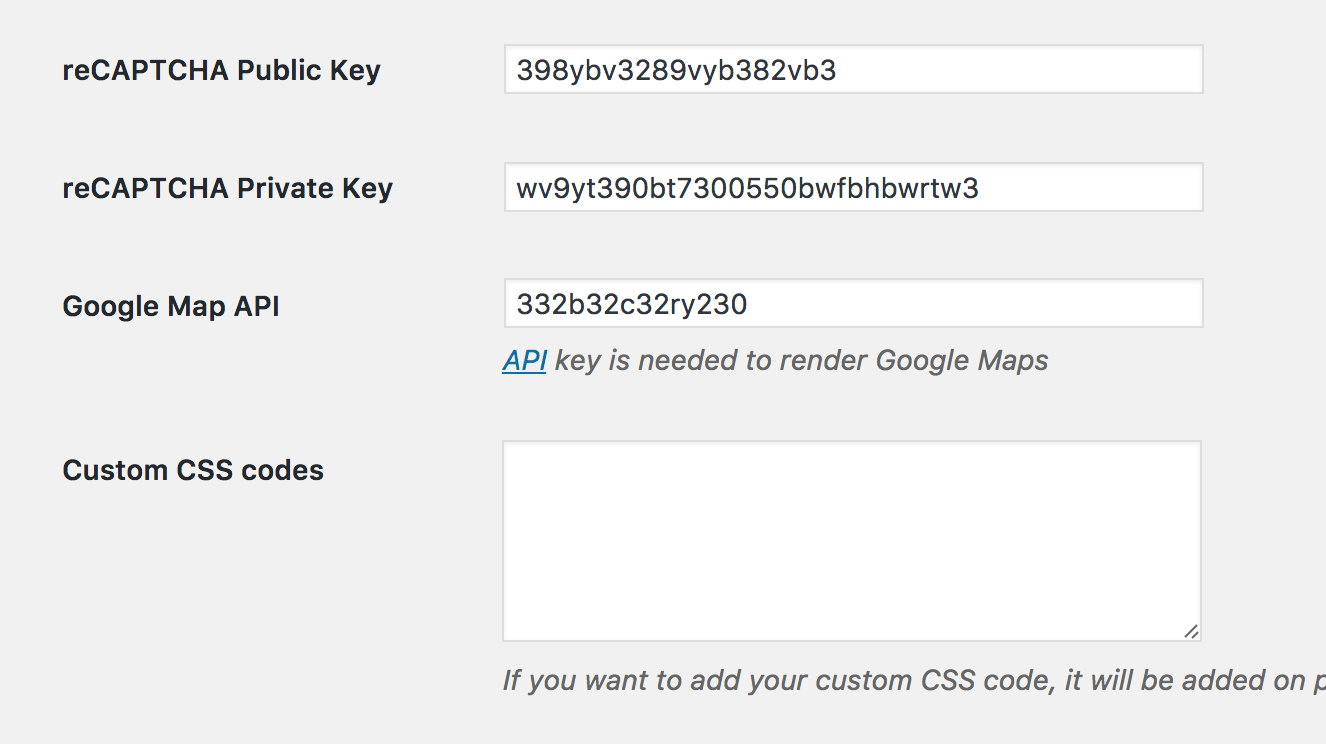
In addition to all these, the plugin has various other features, like Custom Redirection, Image Submissions, Edit Post Notification, Action Hook Fields, and Post Expiration. WP User Frontend has a free and premium plugin. Get them by clicking the buttons below.
User Submitted Posts
User Submitted Posts is a WordPress plugin letting users submit frontend posts via a `[user-submitted-posts]` shortcode. Embed the form, including fields for name, email, title, tags, categories, content, and images, anywhere on your site. Customize fields, set submission status, and enable reCAPTCHA spam protection.
The form includes essential fields like name, email, post title, tags, categories, content, and image uploads. According to your preferences, customize these fields and set the post submission status. You can even enable spam protection with Google reCAPTCHA.
Key features of User Submitted Posts:
- Comes with built-in log-in and registration forms
- Includes various customizable fields
- Easy to restrict content and control who can see it
- Sends email notification when a form is submitted
- The plugin is available in 20+ languages
- Easy to control post submission control (pending, draft, and schedule)
Frontend Post Submission Manager Lite
Frontend Post Submission Manager Lite is a free WordPress plugin for creating posts directly from your site’s frontend. It features a drag-and-drop form builder with various field types (text, dropdown, file uploads) and five pre-designed templates. The plugin offers efficient Ajax-based submission, Google CAPTCHA, customizable redirection, and a content review feature before submission. Users can edit content on the frontend for further customization. It supports custom post types and taxonomies for detailed information collection.
The plugin comes with five pre-designed form templates to quickly prepare your form. It ensures an efficient submission process through integration with Ajax-based form submission, Google CAPTCHA, and customizable redirection. Users can review their content before clicking the submit button. So, once the content is uploaded, they can check if the content layout is okay.
If there is any problem or further customization is needed, you can do it directly on the frontend before finally submitting it to the site administration. The plugin supports custom post types and taxonomies so you can collect more detailed information.
Key features of Frontend Post Submission Manager Lite:
- Offers a drag-and-drop form builder
- Supports adding unlimited custom fields with various field types
- Integrates Google CAPTCHA to prevent spam submission
- Customizable post status, author, and format settings.
- Forms are mobile-friendly and compatible with all browsers
- Translation-ready for multilingual websites
- Allows guest post submissions and logged-in user submissions
Enable users to submit posts and manage profiles from the front-end. Ideal for news, magazines, and creative platforms.
Easy Post Submission
A powerful plugin designed to user-generated content on your website. Perfect for news sites, magazines, blogs, and creative platforms, this plugin enables your users to effortlessly submit posts, manage profiles, and share their ideas without ever accessing the WordPress dashboard.
Key Features:
- Frontend Post Submission: Allow users to create, edit, and manage posts directly from the frontend, eliminating the need for backend access.
- Unlimited Submission Forms: Create and customize multiple submission forms to cater to different content needs.
- Lightweight & High Performance: Enjoy a quick setup and a design optimized for speed, ensuring your website remains fast and responsive.
- Guest & Registered User Support: handle submissions from both guests (no login required) and registered users with customizable access levels.
- Rich Media Uploads: Empower users to upload images, videos, and other media to enhance their posts.
- Custom Publishing Options: Choose between auto-publishing posts or setting them for admin approval before going live.
- User Dashboard: Provide a personalized dashboard for users to view and manage their submitted posts.
- Automated Email Notifications: Keep everyone informed with automated email alerts for submissions, approvals, or rejections.
- Robust Spam Protection: Secure your forms with Google reCAPTCHA to prevent spam and bot submissions.
-
AuthorPosts
